Parts Implemented by Abdullah Buldur
Insertion new object to the table
Awards page is selected as sample. Awardstats and matches pages have same steps.
- To edit table values you should signed in first. see `How to Sign In`_
- Follow links in the navbar go to the table page you want. eg. click Awards

- After that you should see below page.
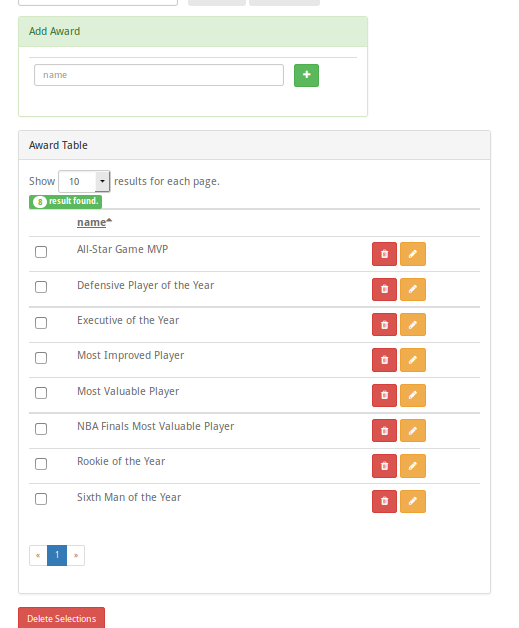
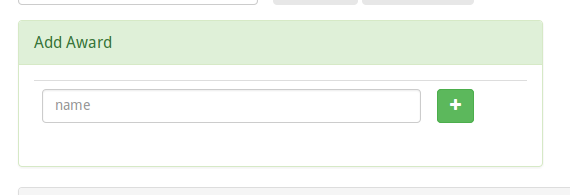
- To add new Award enter award name. Then click green Add(+) button.
Update table item value
Awards page is selected as sample. Awardstats and matches pages have same steps.
- To edit table values you should signed in first. see `How to Sign In`_
- Follow links in the navbar go to the table page you want. eg. click Awards
- After that you should see below page.
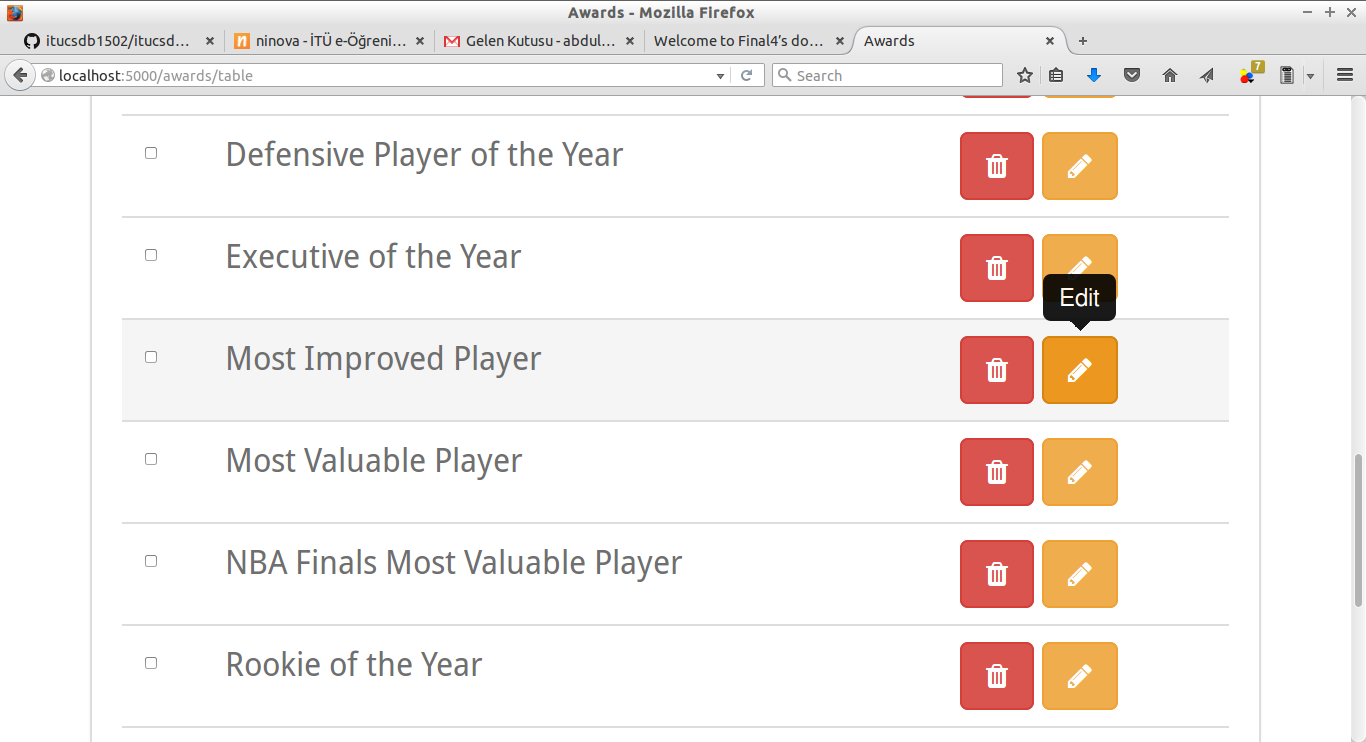
- To edit an item first find the item you want then click yellow Edit(pen icon) button.
- Go to bottom of the page then change/enter new values to update the item. After that click Update button.

Deletion an item(s) from tables
Awards page is selected as sample. Awardstats and matches pages have same steps.
- To edit table values you should signed in first. see `How to Sign In`_
- Follow links in the navbar go to the table page you want. eg. click Awards
- After that you should see below page.
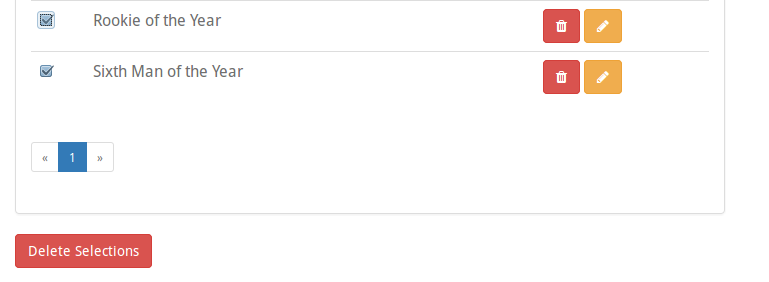
- To delete an item first find the item you want then click red Delete(rubbish icon) button.
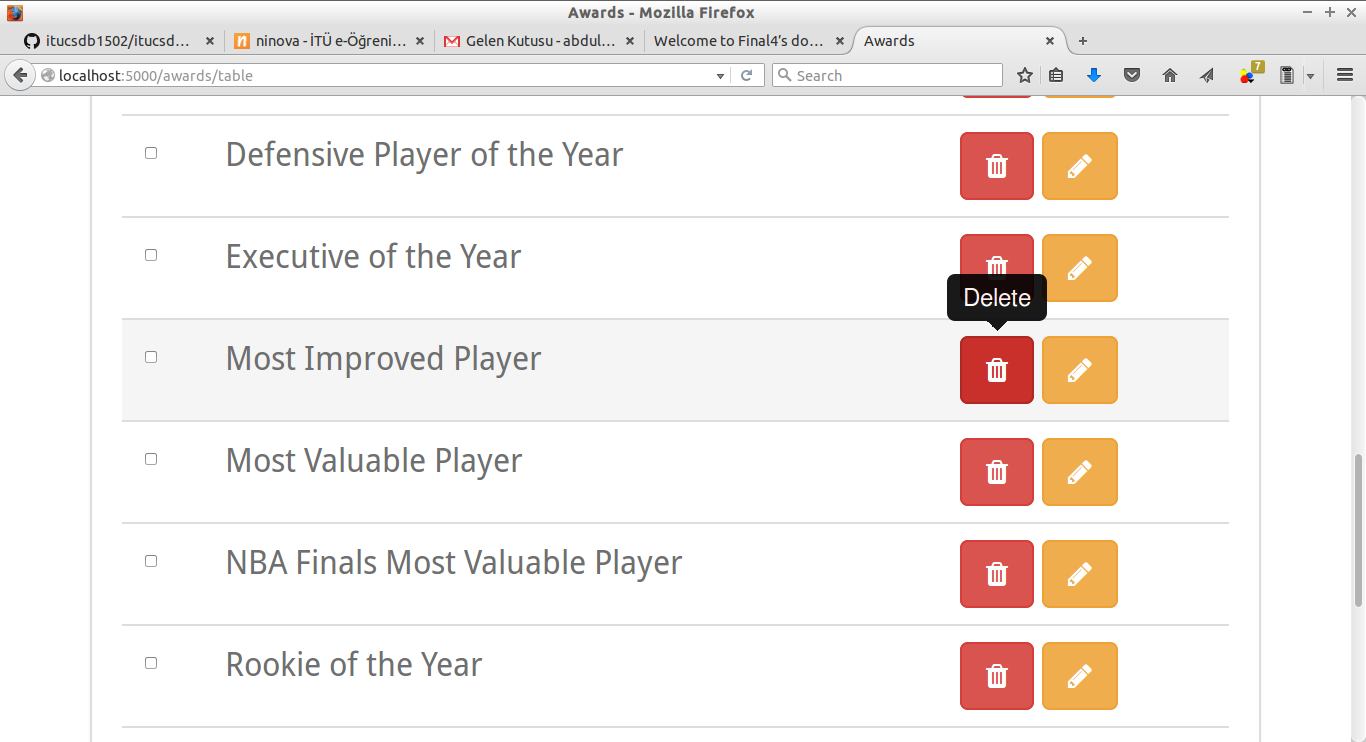
- Then go to the bottom of the page and click Delete Selected button.