Parts Implemented by Osman Özsoylu
PLAYER CLASS
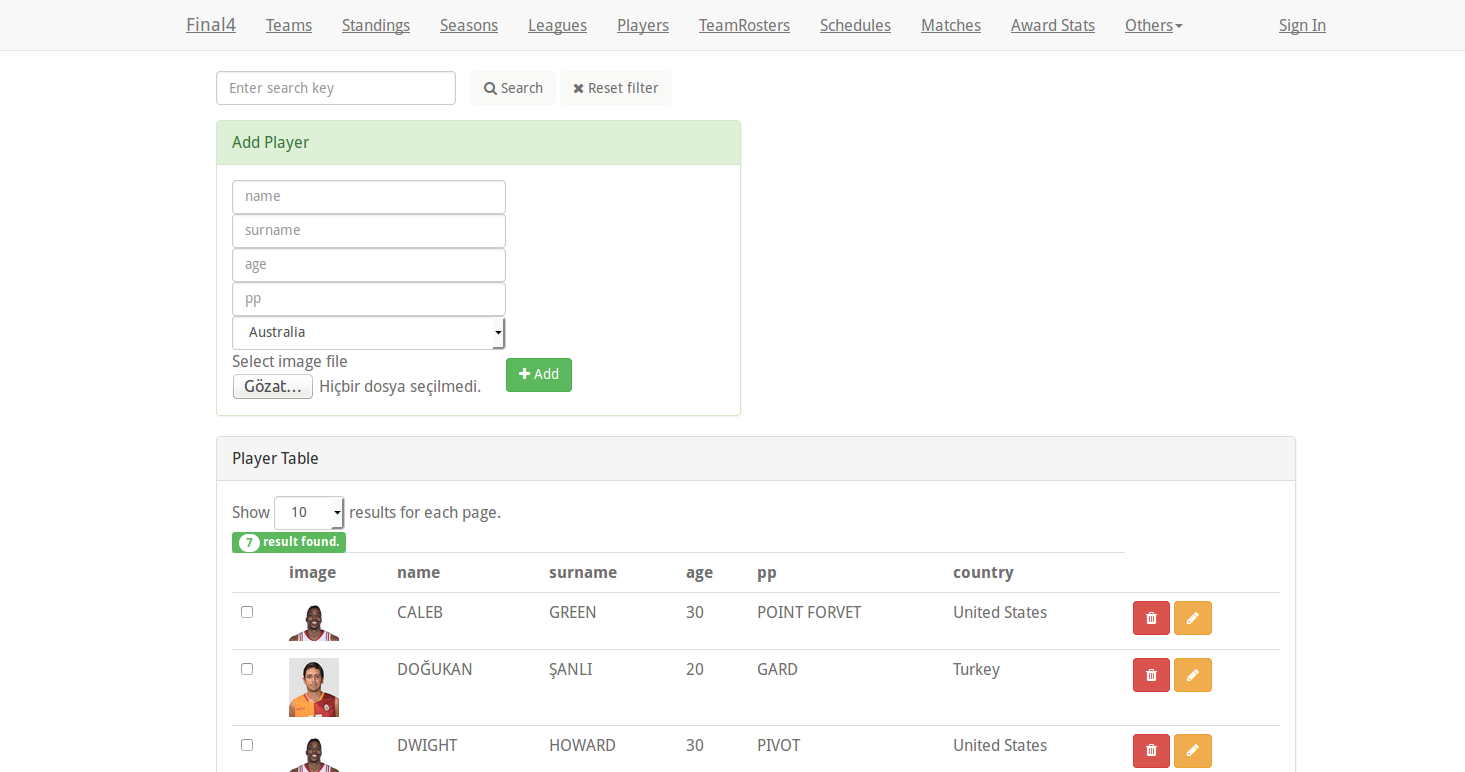
PLAYER PAGE SCREEN SHOT
This is meeting page of player class. Add player,search and reset filter can seem from upper side and at the bottom side existing player will shown.
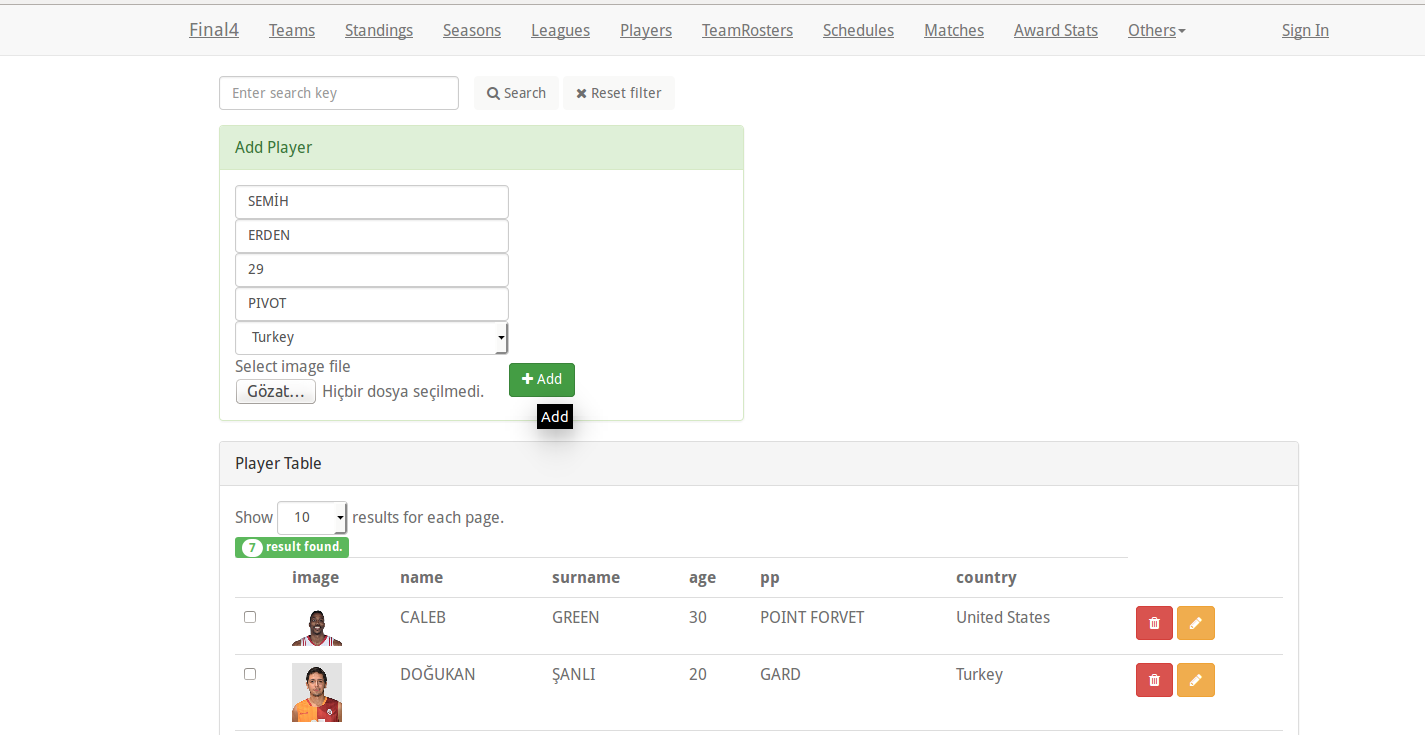
ADD PLAYER
This is the add player function user enter player name,surname,playing position,his/her age and choose his/her country also choose a picture from its local files and this files is represented with player picture.
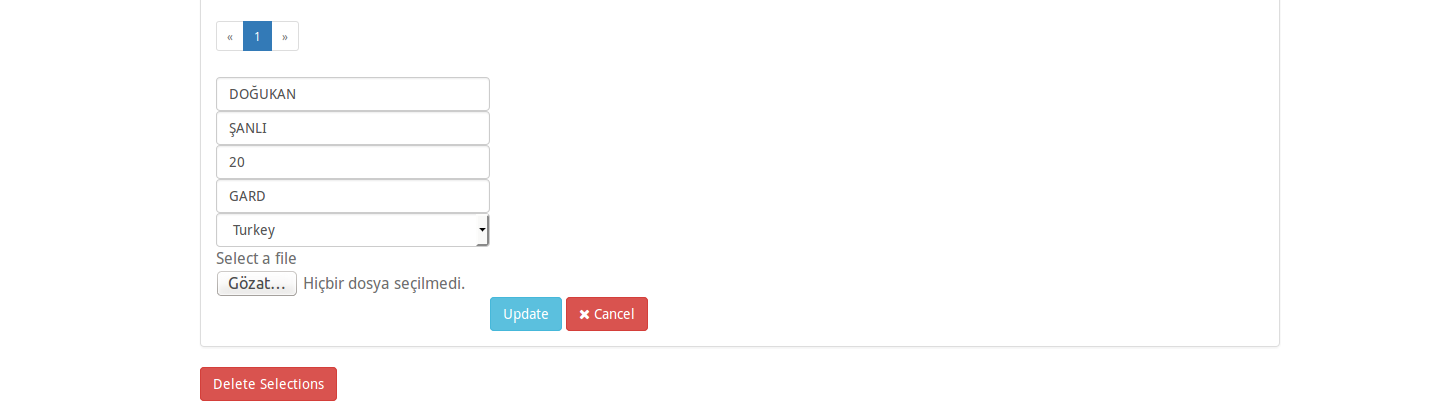
UPDATE PLAYER
This is the update player function user enter updated information of player like name,surname,playing position,his/her age and choose his/her country again.
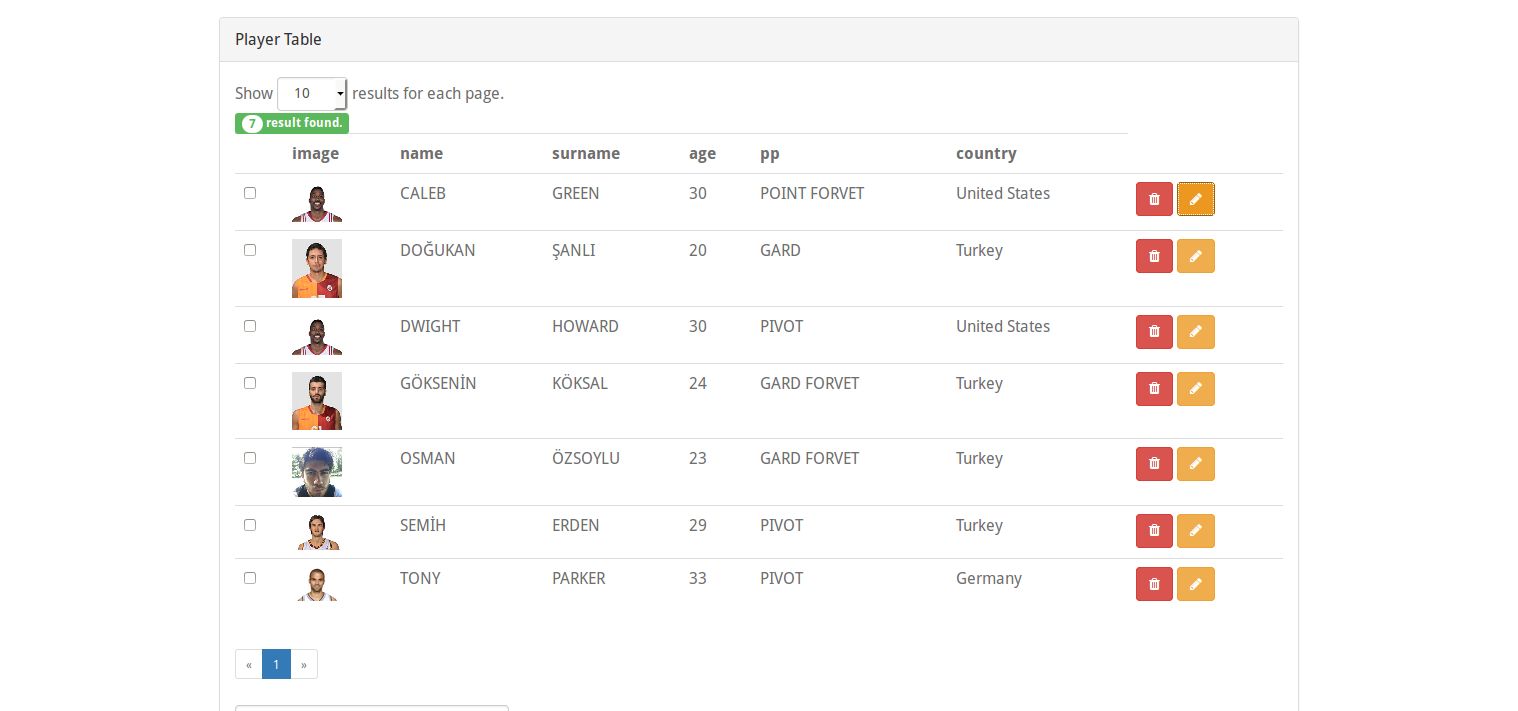
EXISTING PLAYERS
This is the existing players users can be seen the existing player with that area and user also can see player’s variables.
TEAM CLASS
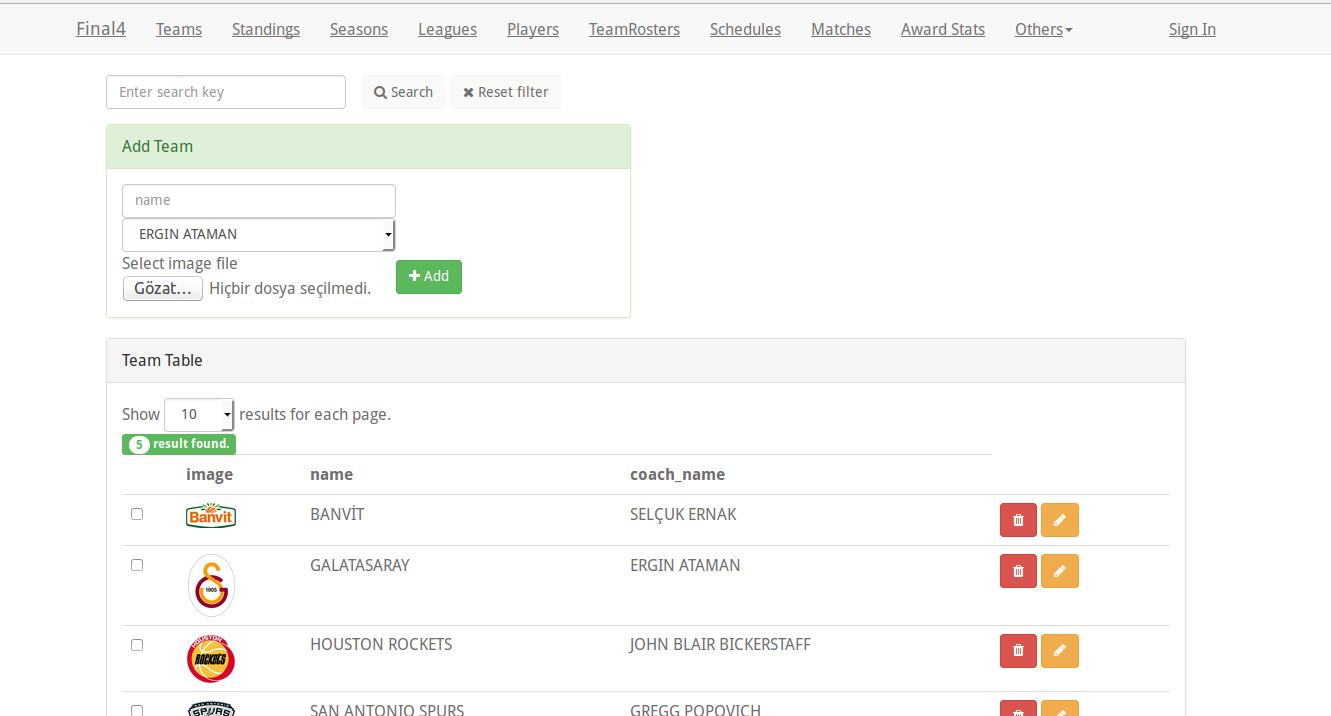
TEAM PAGE SCREEN SHOT
This is meeting page of team class. Existing team can be seen center of the screen. Search is the upper part of the screen and update team is the bottom part of the page. Team has team name and team coach attributes.
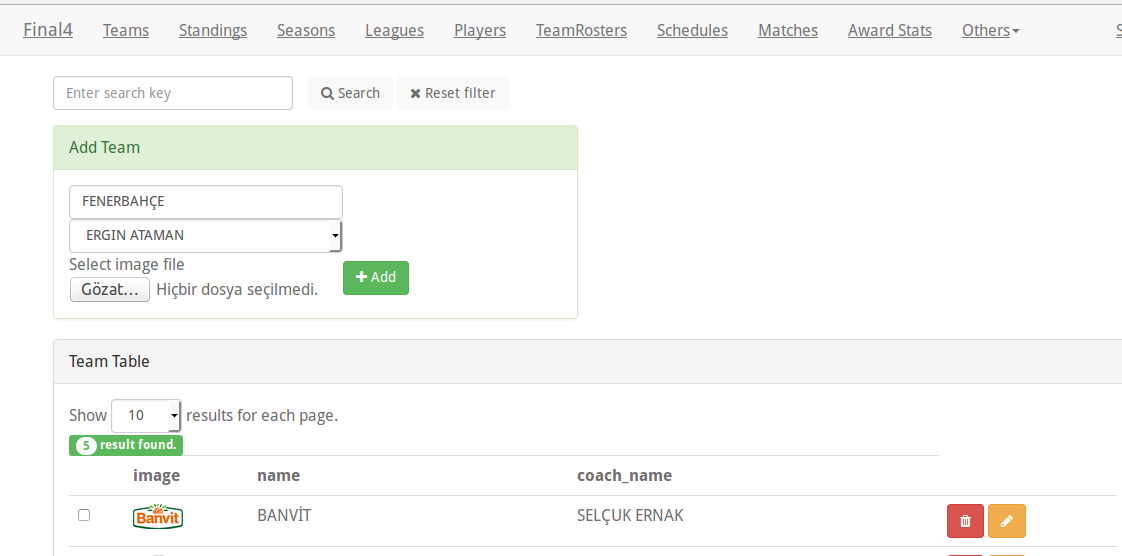
ADD TEAM
This is adding team side of the page. User can add team with this function, user need to enter team name and choose team coach.
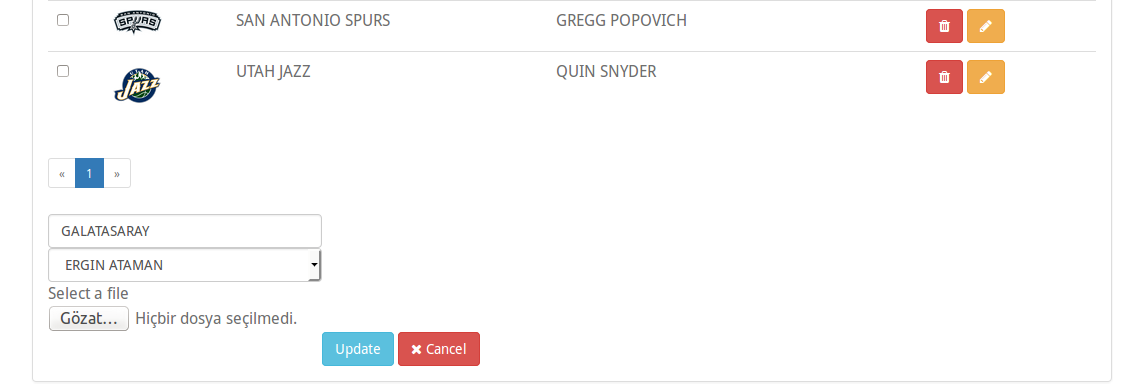
UPDATE TEAM
This is updating team side of the page. User can update team with this function, user need to re-enter team name and choose team coach.
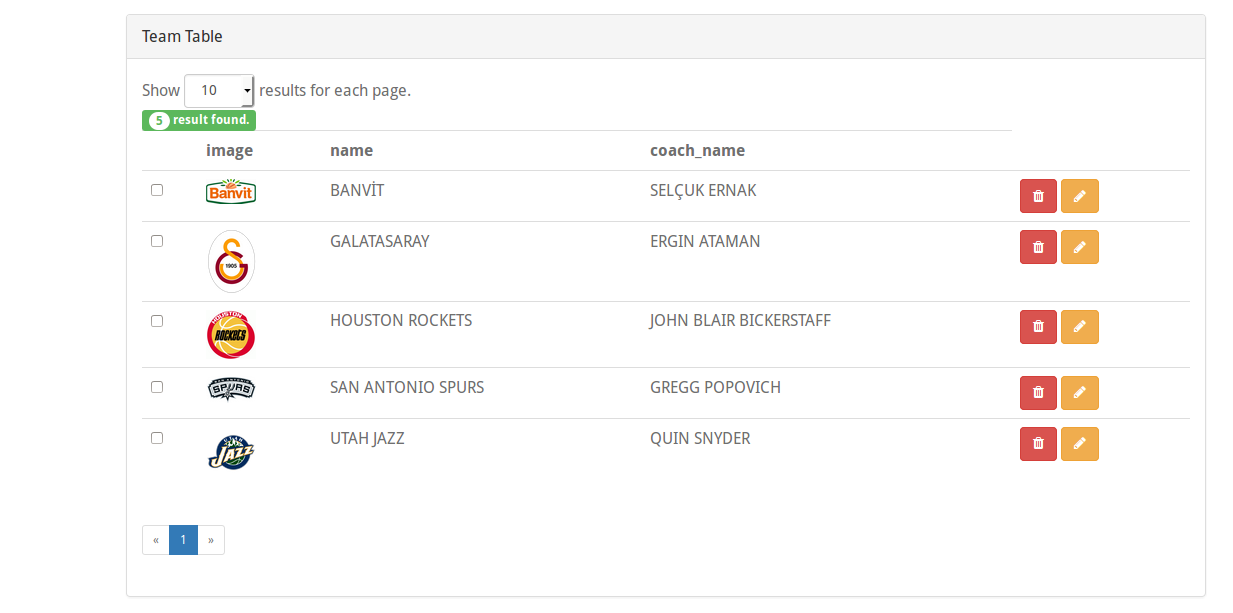
EXISTING TEAM
In this area existing team is shown. Existing team’s attributes can be seen in this area. Also team count can be seen upper side of that page.
TEAMROSTER CLASS
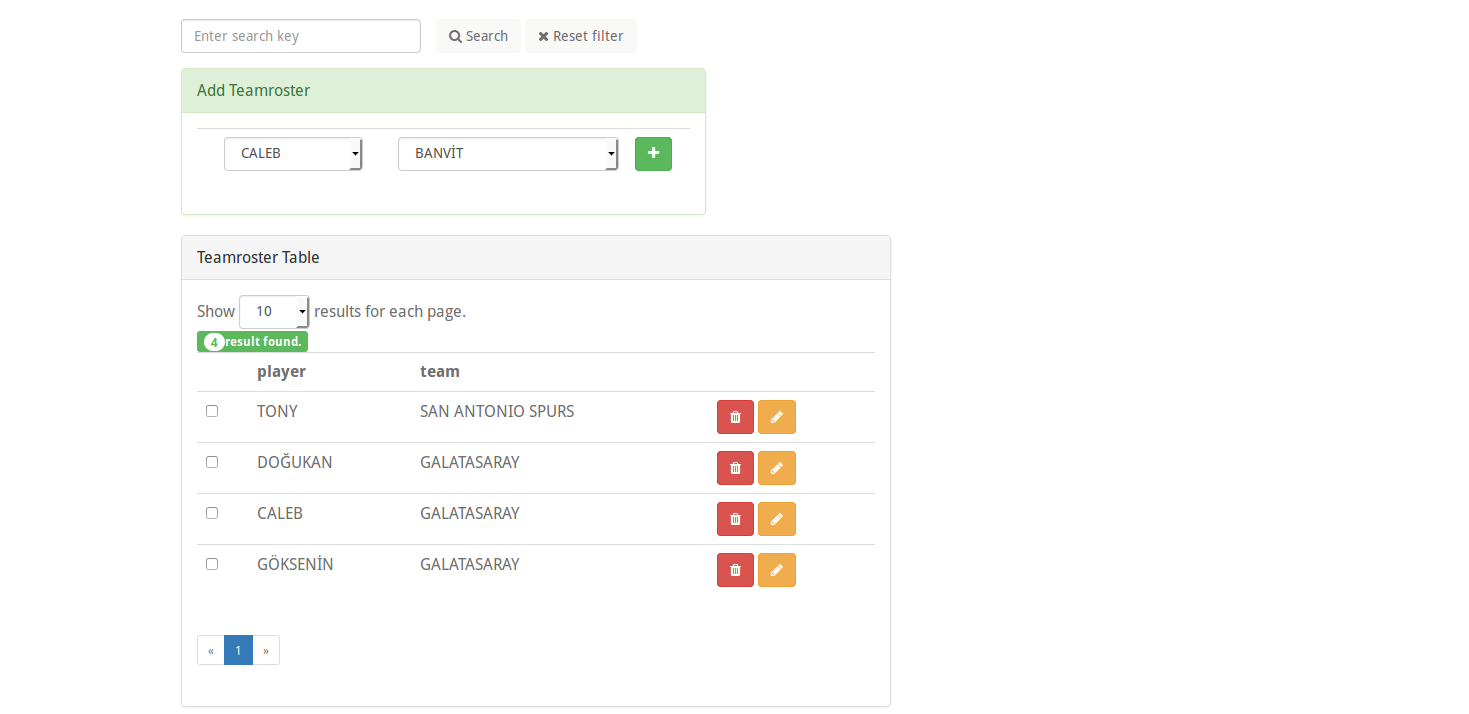
TEAMROSTER
This is the main page of the teamroster class. Player and their playing team is shown in this page.
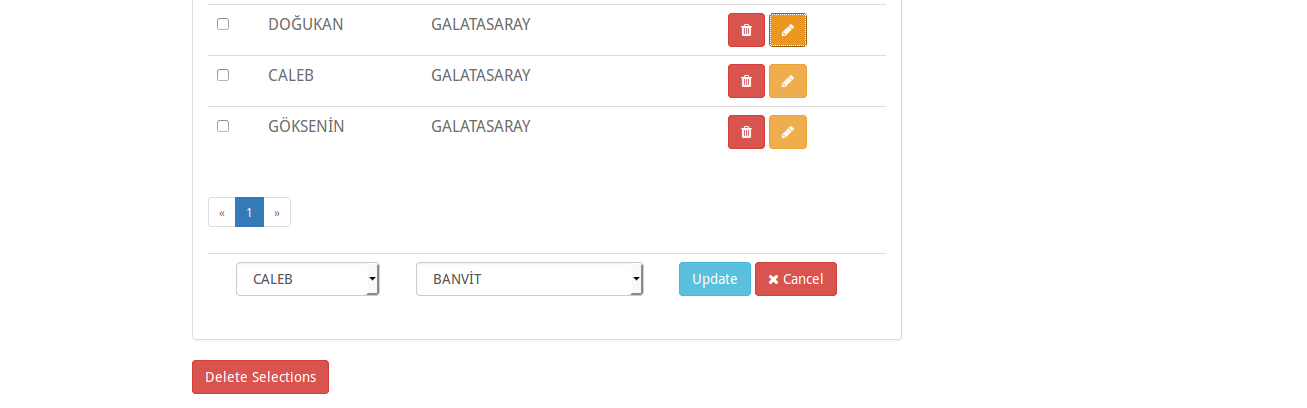
UPDATE TEAMROSTER
Update page of the teamroster class.User can update player and their playing teams with this page. In order to add team a new player team and player already have to be existed if user want to add new team or player user need to go players or teams page.