Parts Implemented by Altay İnci
In this part information about seasons, standings and schedules pages will be given. Our project will be examined under two roles as user and admin. Admin can add, delete, update and search information in above pages. User can view and search these informations entered by admin.
Seasons Page in User interface
In this page, user can view seasons which are used by other pages. Our seasons are consist of two years like ‘2004-2005’. Other pages use these seasons for showing their various information or statistics belong to which years.
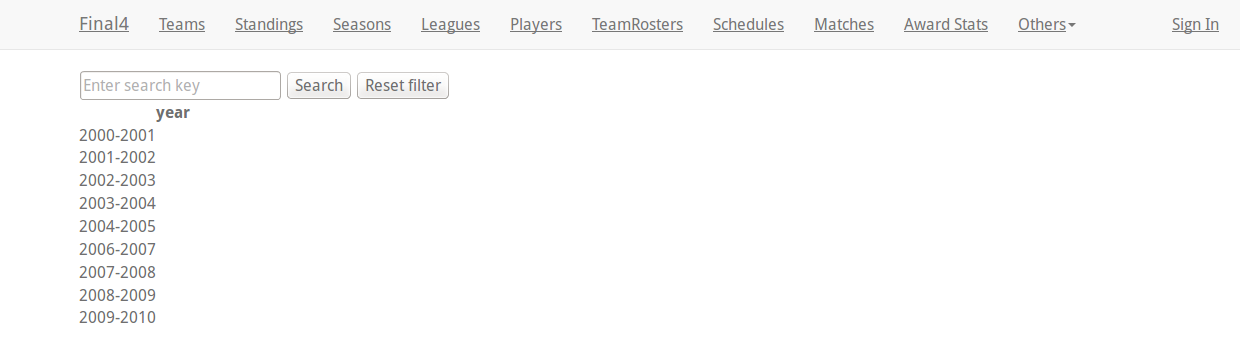
- Searching
User can search which year are used in our website with search button, and s/he can find if this year exists here, if not, ‘No result found for selected criterias’ message is shown.
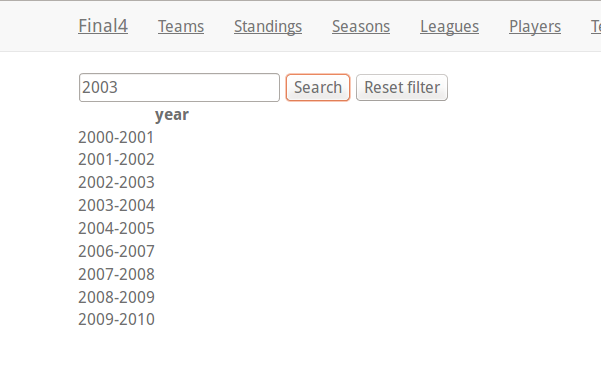
- After searching:
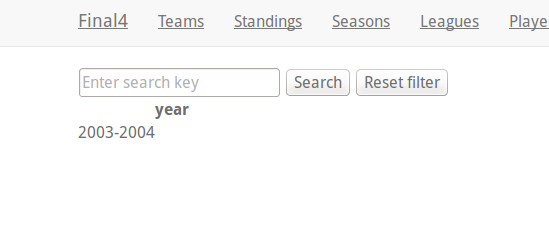
- Reset Filter
After user sees results of searching, clicking Reset Filter button, can return page includes all years.
Standings Page in User interface
- User interface
In this page, user can see leagues with their seasons and teams. Here aim is to show leagues include which teams in which seasons. Our standings consist of a season, a league name and a team name. Thus our user can examine seasons or teams which is followed by her/him according to leagues.
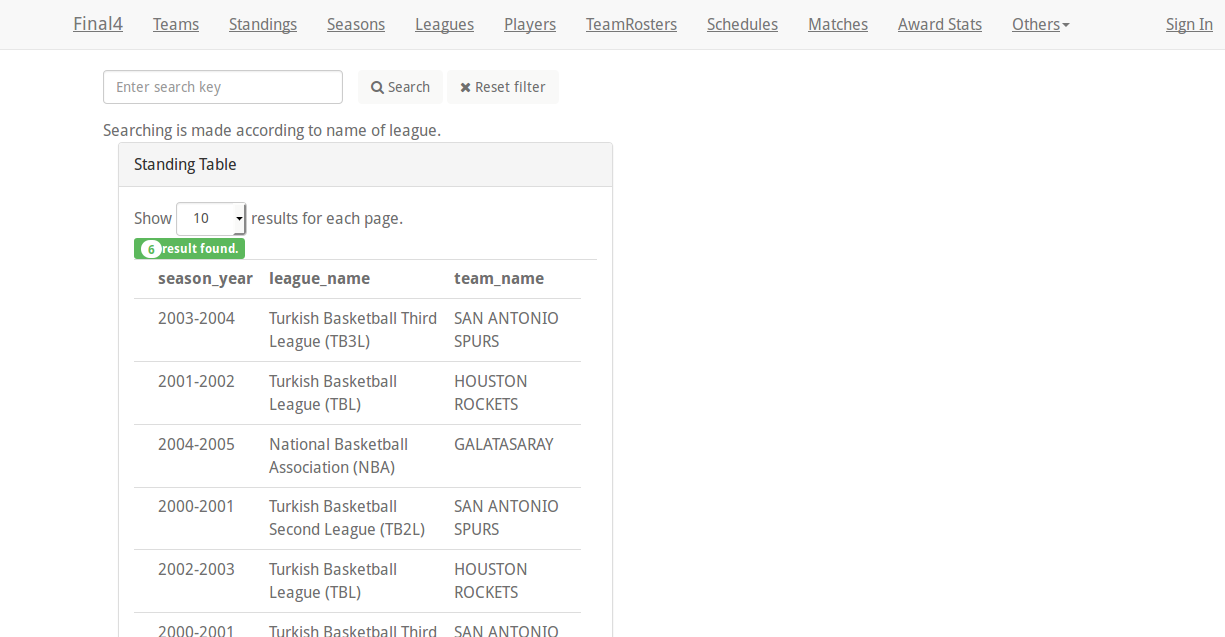
- Searching
User can search league which teams played in it and in which season with search button. After this s/he can find lists of teams and seasons if this league exists here, if not, ‘No result found for selected criterias’ message is shown.
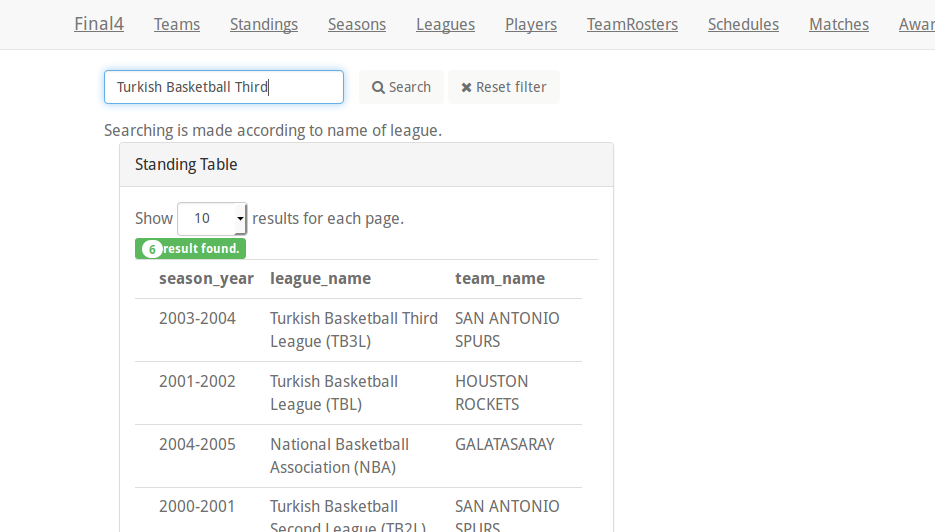
- After searching
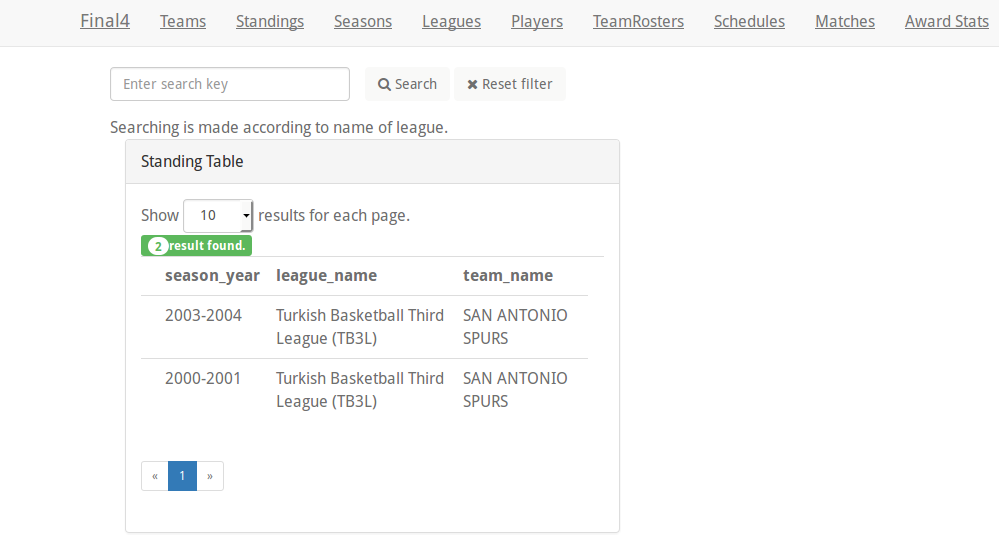
- Reset Filter
After user sees results of searching, clicking Reset Filter button, can return page includes all standings.
Schedules Page in User interface
- User interface
In this page, user can see schedules of matches with their teams, seasons, league names, saloons, scores and playing states. Team1_name represents home team, team2_name represents away team. Our user takes match information of the team which is supported by her/him. In this way, if this match was not played(state=false), s/he can go this match. If not(state=true), user can only see score of matches. If the match is not played, scores are 0.
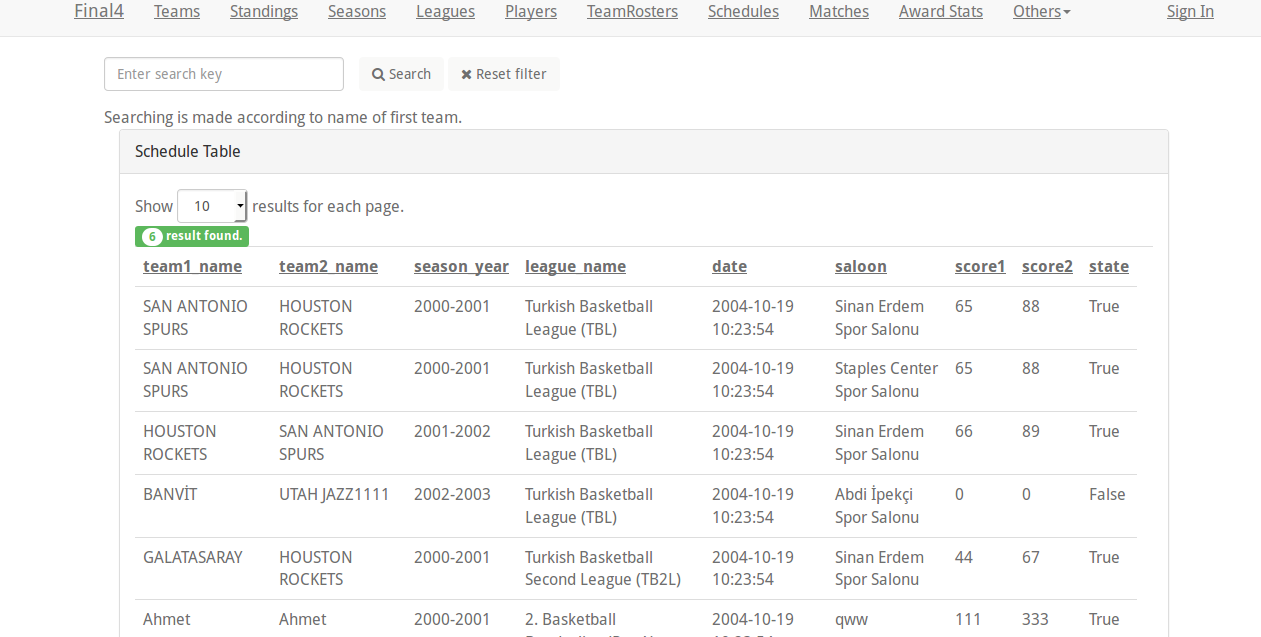
- Searching
User can search home team with search button. If the searched team exists in database as a first team, s/he can find matches of the this supported home team, so user can access every information of matches. If the team is not found as first team, ‘No result found for selected criterias’ message is shown.
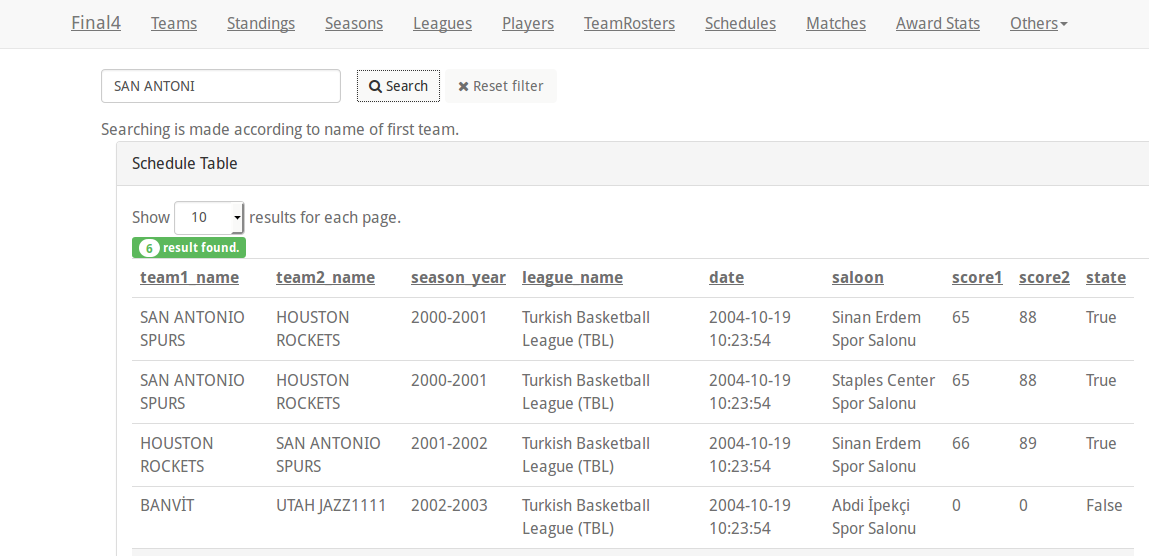
- After searching:
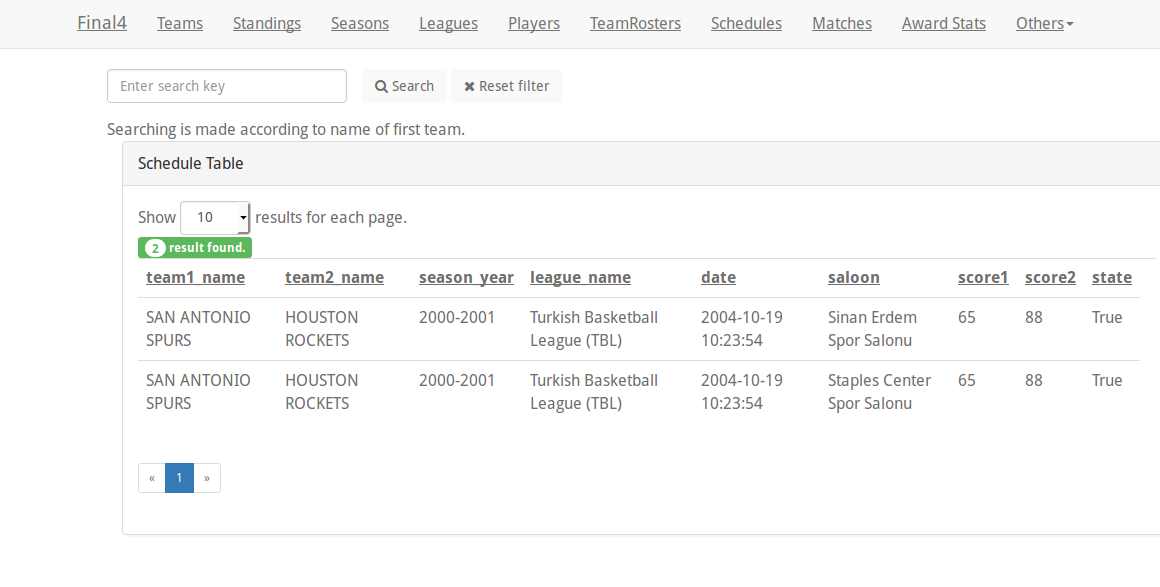
- Reset Filter
After user sees results of searching, clicking Reset Filter button, can return page includes all matches and their schedules.
Seasons Page in Admin interface
In this page, admin can achieve add, delete,update and search operations. Admin make these operations over years item of seasons.
- Add operation
For adding, year box in below must be filled and add button must be clicked.
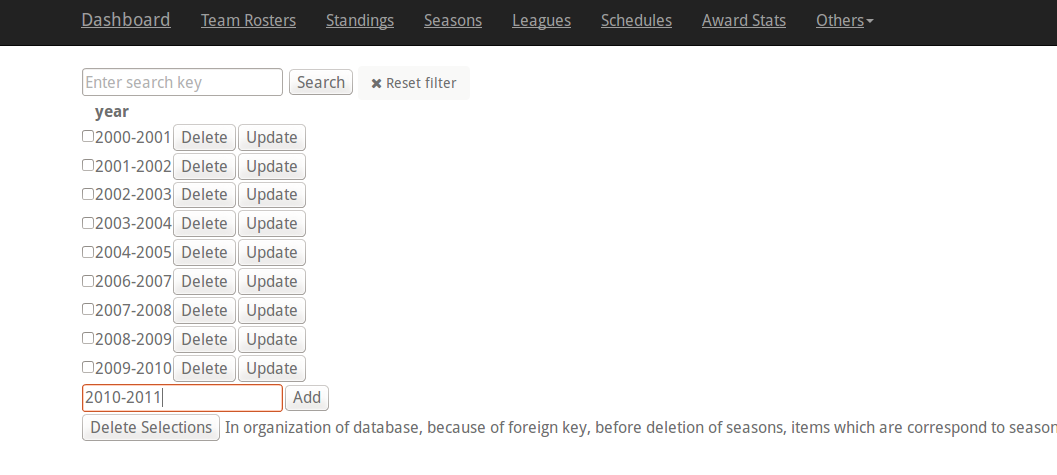
After this,
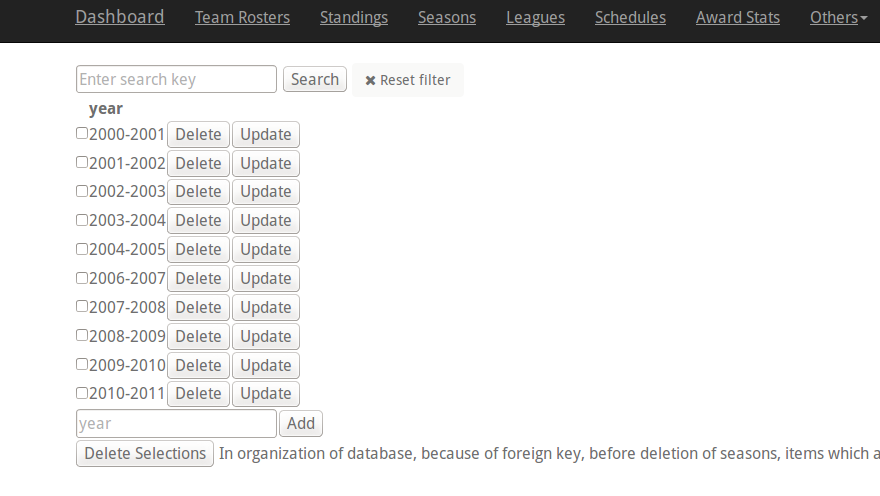
- Delete operation
For deletion, there are two ways. Firstly admin can click delete button near the item which is wanted to delete. However if a item is being used by other items in other pages, because of database organization, this item may not be deleted.
After deletion, 2009-2010 is deleted.
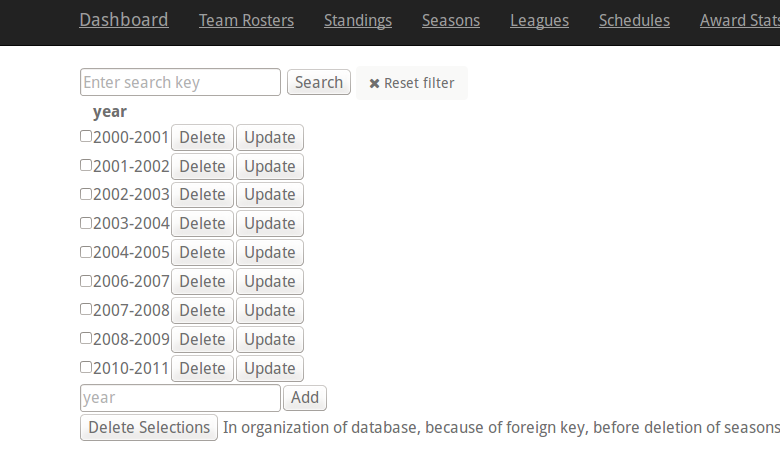
Secondly, admin can delete an item with checkbox near it.
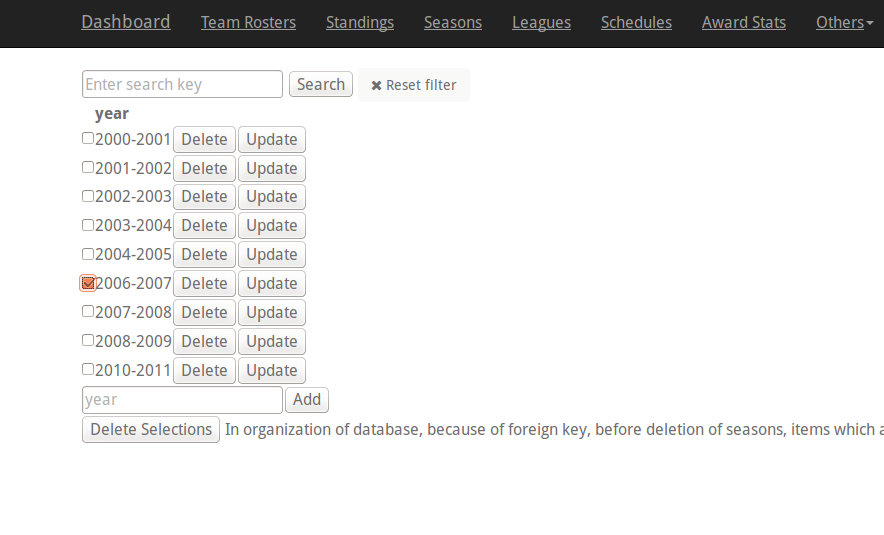
After this,
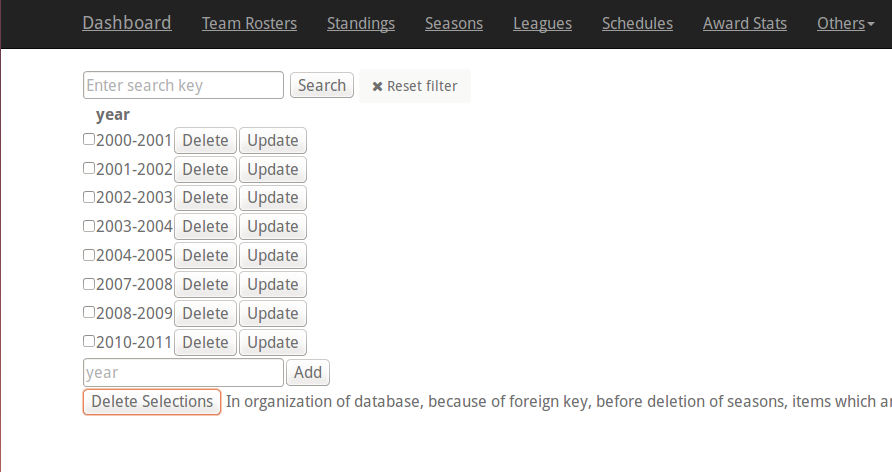
- Update operation
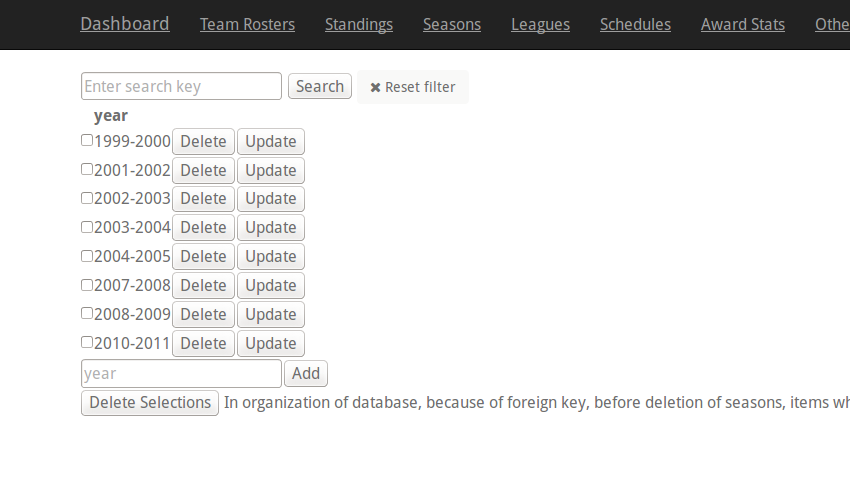
For update, admin can click update button near the item will be updated. After this, update box exists below. New value is entered and this item is updated.
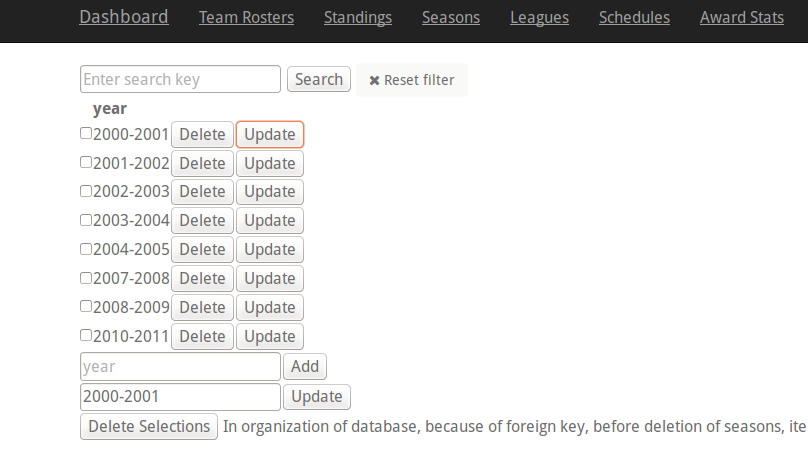
After this,
- Search operation
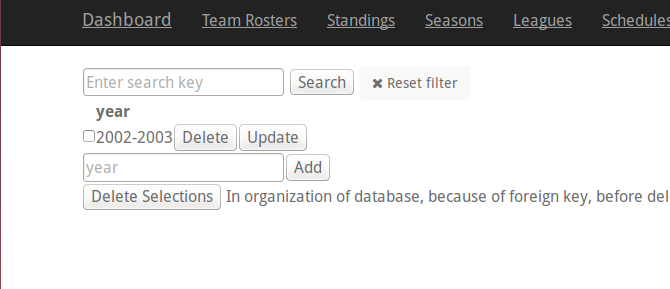
For searching, admin enters the search key and clicks the search button. For example if 2002 is entered, result exists as in this image:
Standings Page in Admin interface
In this page, admin can achieve add, delete,update and search operations. Admin make these operations over years, team names and league names items of standings.
- Add operation
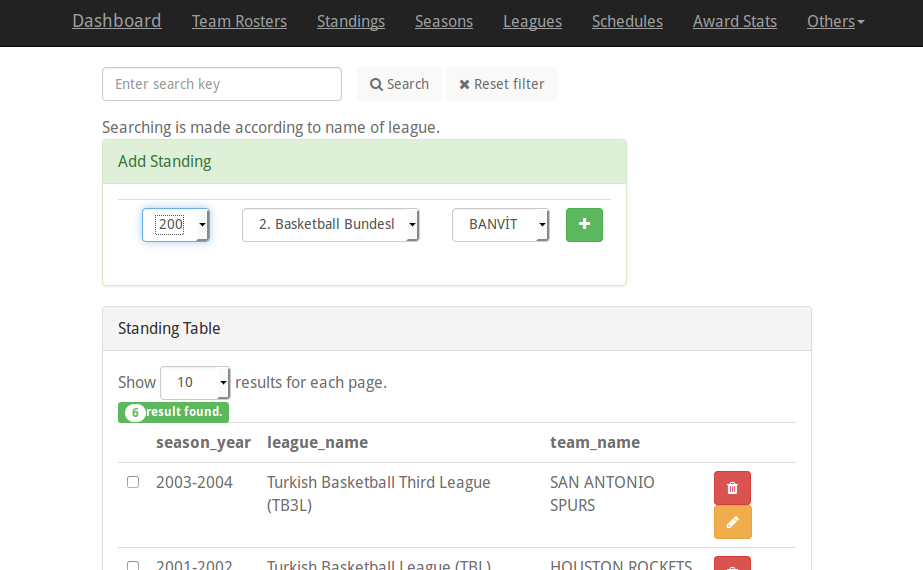
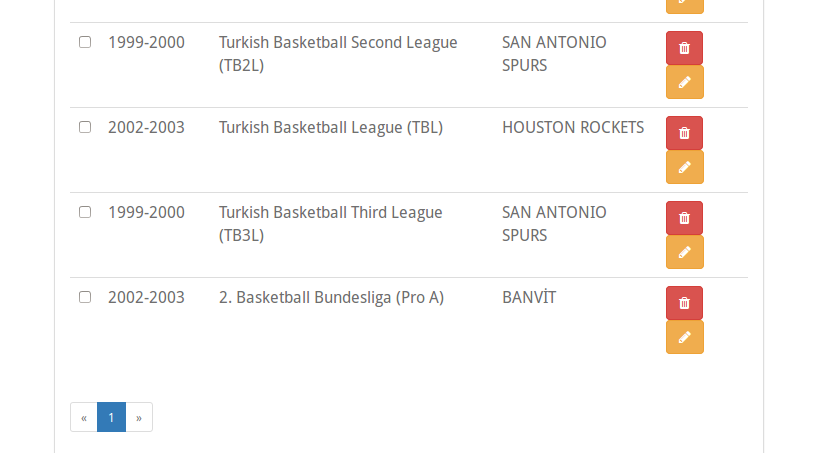
For adding, year, league name and team name in selection boxes must be selected and add button must be clicked.
After this,
- Delete operation
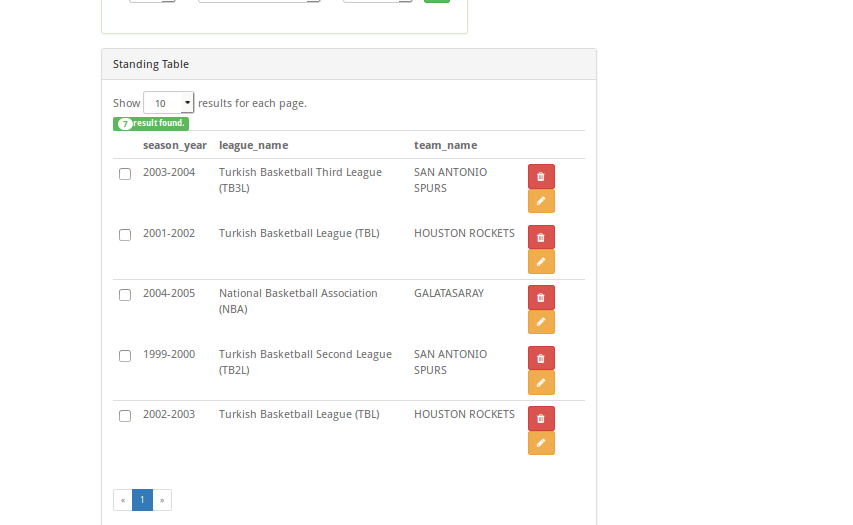
For deletion, there are two ways. Firstly admin can click delete button near the item which is wanted to delete.
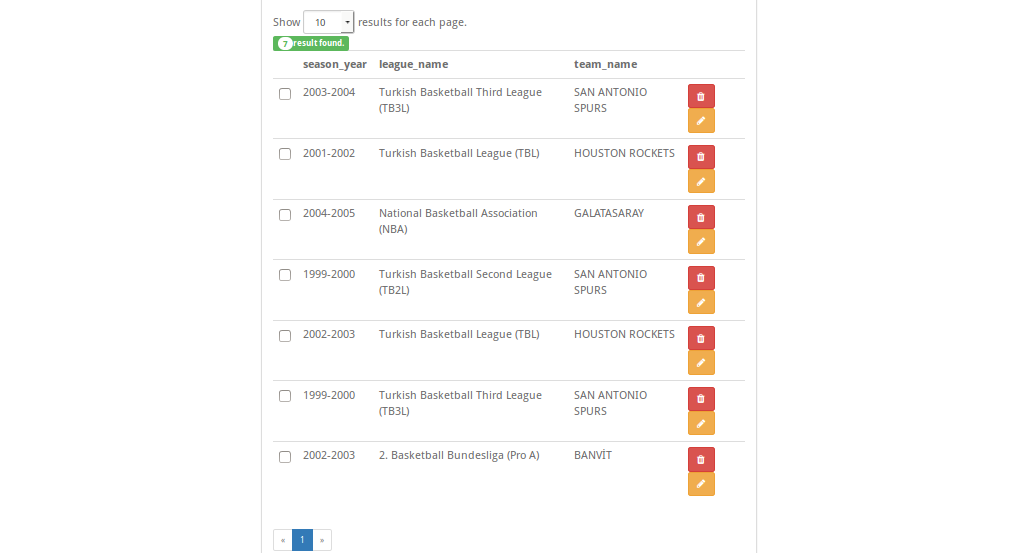
After deletion, item which is in the most below is deleted.
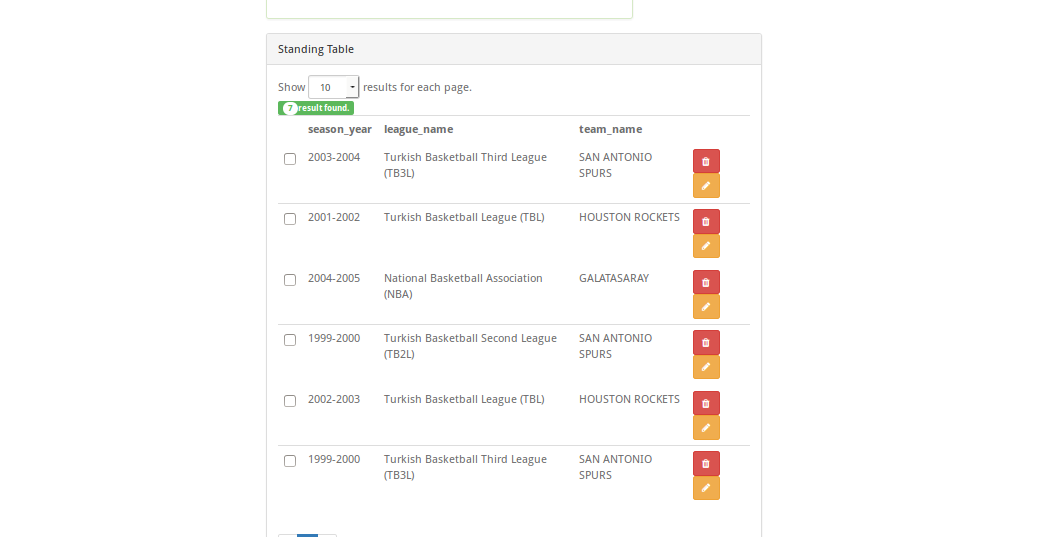
Secondly, admin can delete an item with checkbox near it.
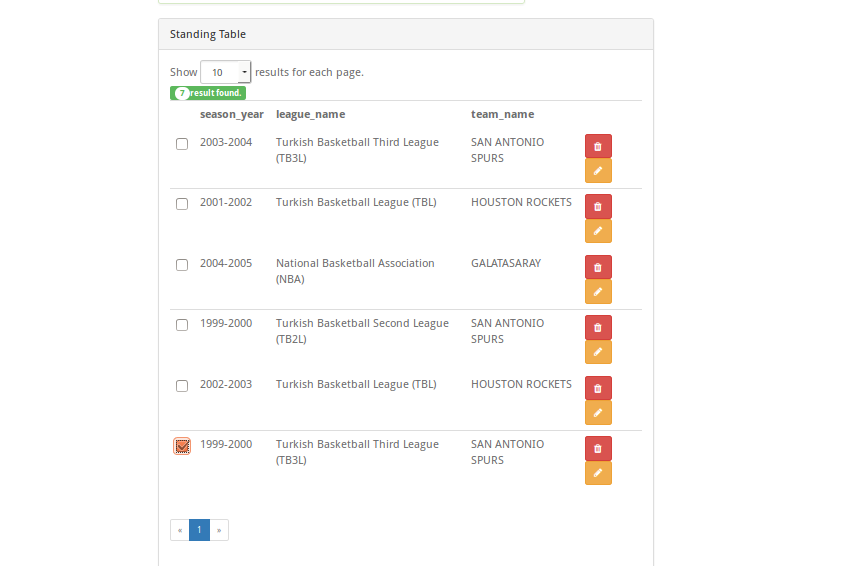
After this,
- Update operation
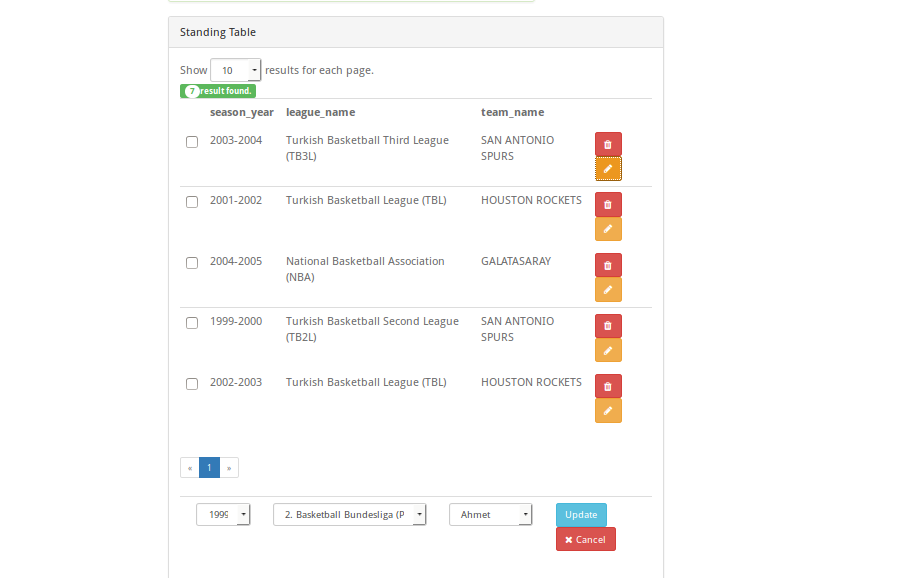
For update, admin can click update button near the item will be updated. After this, update box exists below. New value is entered and this item is updated.
- Search operation
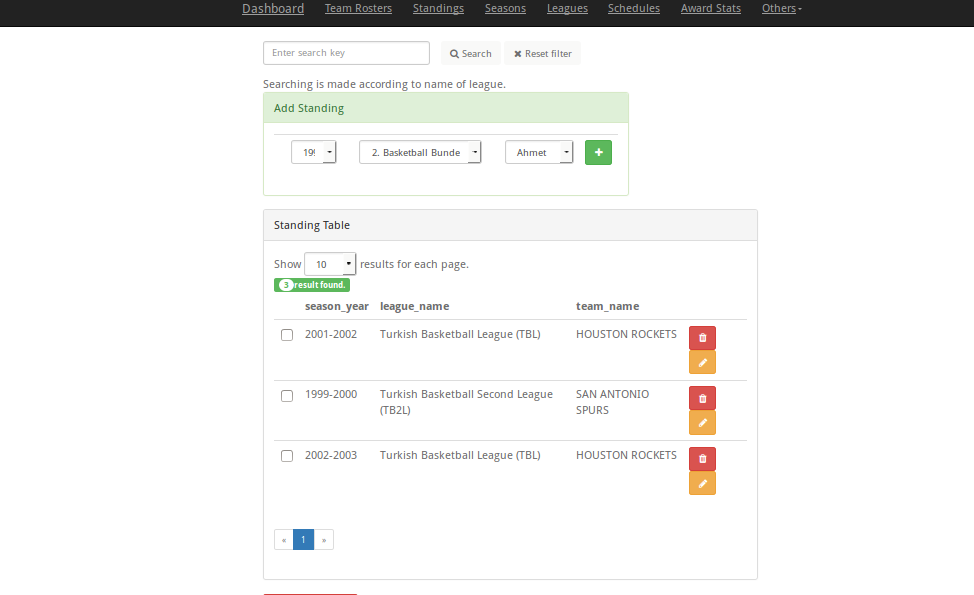
For searching, admin enters the league name and clicks the search button. For example if Turkish is entered, result exists as in this image:
Schedules Page in Admin interface
In this page, admin can achieve add, delete,update and search operations. Admin make these operations over team_1, team_2, season, league name, date, saloon, scores and state items of standings.
- Add operation
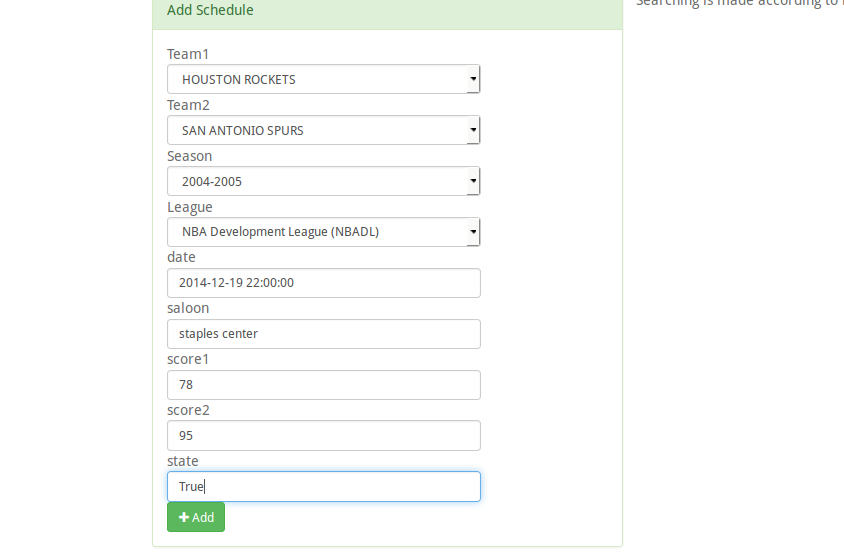
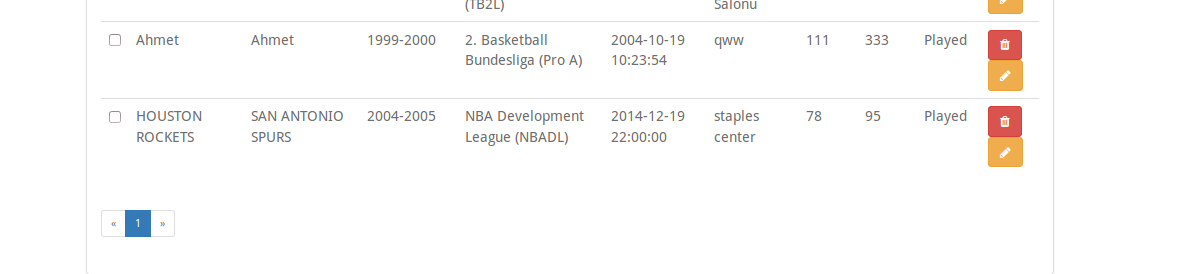
For adding, team_1, team_2 , year and league name in selection boxes must be selected and after this, date, saloon, score1, score2 and state must be filled. At the following, admin must click add button.
After this,
- Delete operation
For deletion, there are two ways. Firstly admin can click delete button near the item which is wanted to delete.
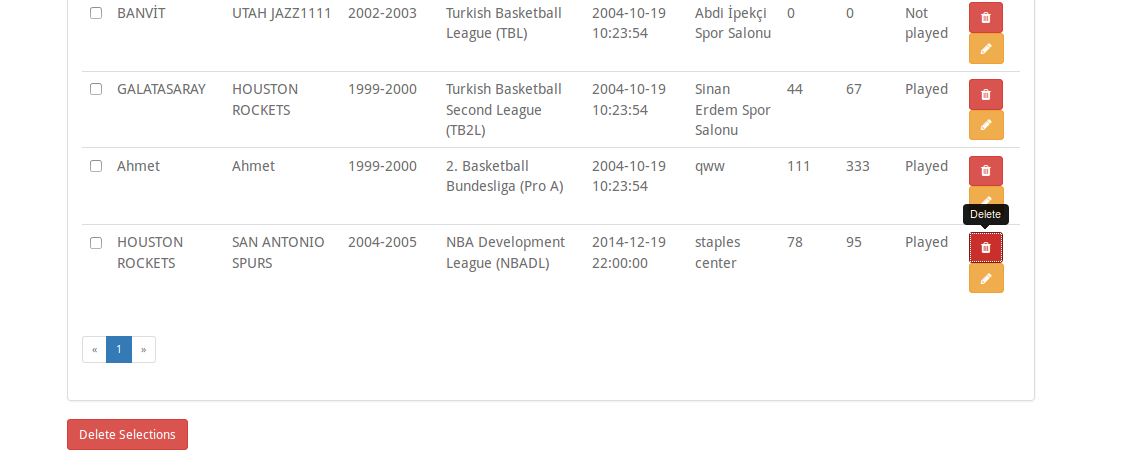
After deletion, item which is in the most below is deleted.
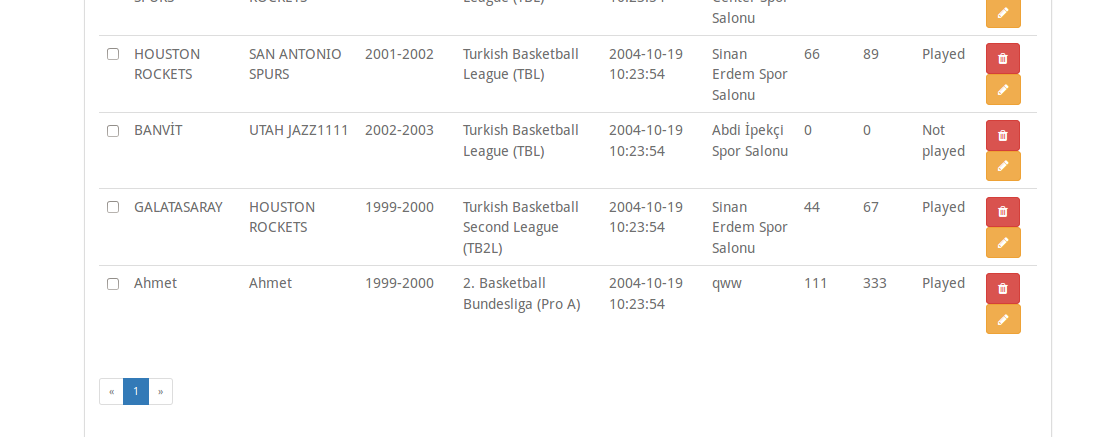
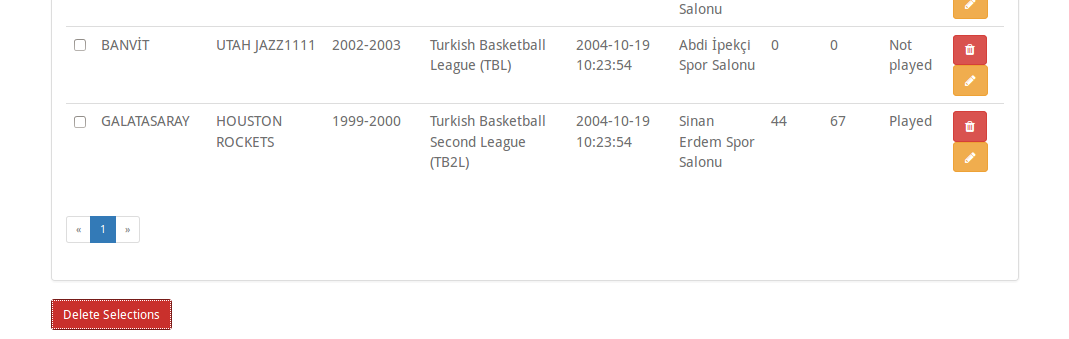
Secondly, admin can delete an item with checkbox near it.
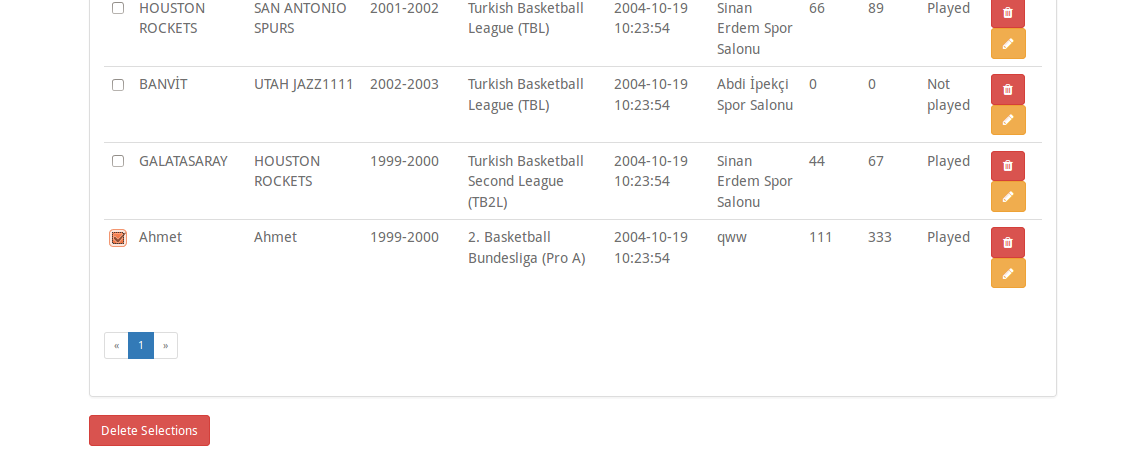
After this,
- Update operation
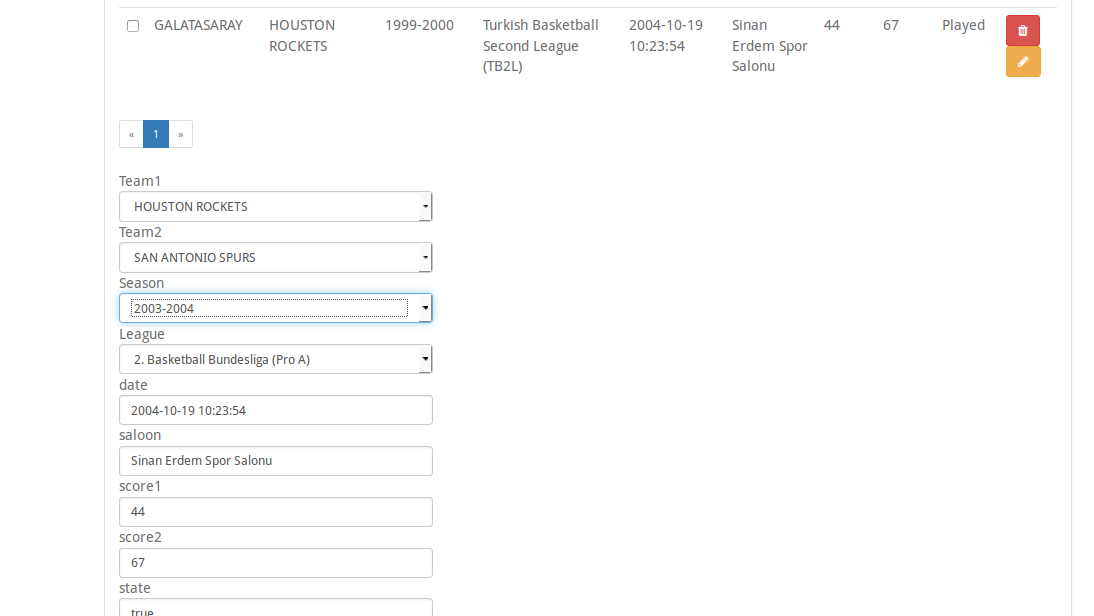
For update, admin can click update button near the item will be updated. After this, update box exists below. New values are entered and this item is updated.
- Search operation
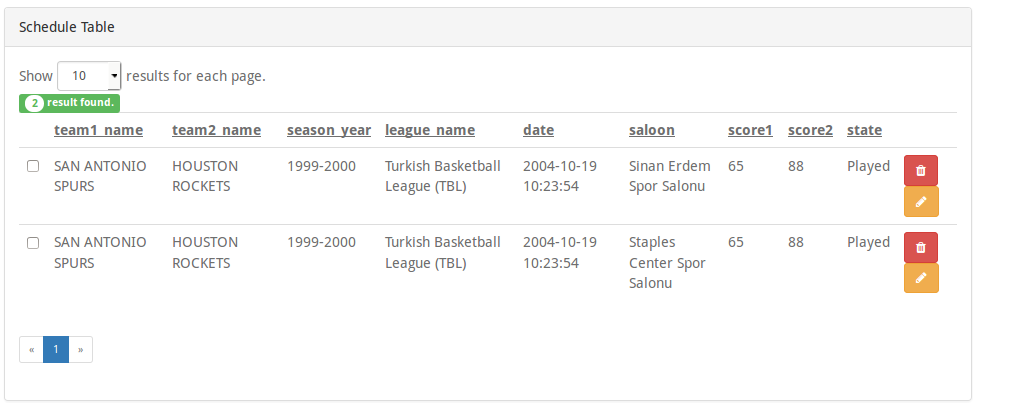
For searching, admin enters the home team (team_1) name and clicks the search button. For example if ‘SAN ANTONIO’ is entered, result exists as in this image: